 DevEdge
Updated October 2026
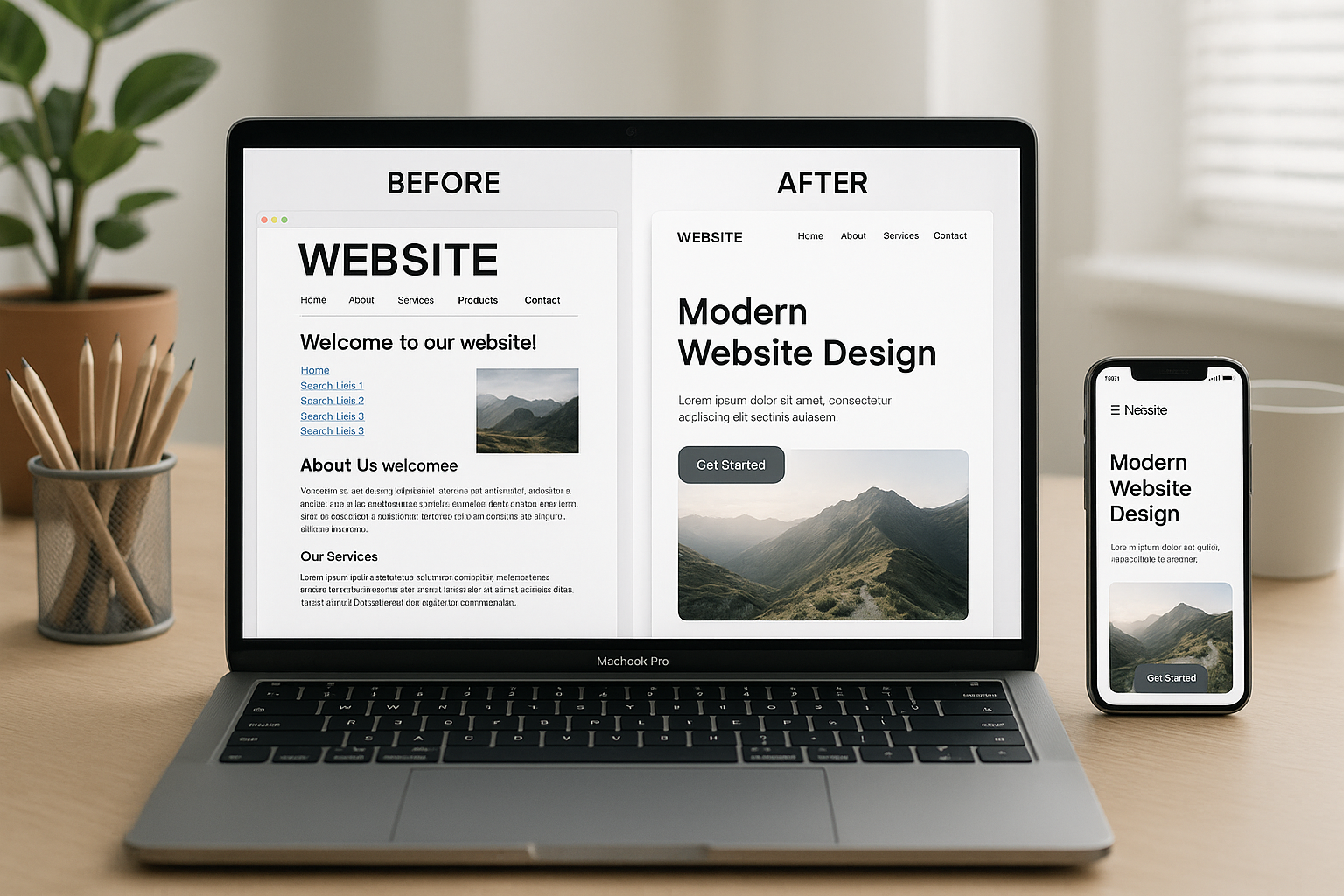
Most business websites don’t fail overnight. They slowly fall behind: the design starts to look tired, enquiries tail off, and simple updates take longer than they should. The hard part is knowing whether you need a full redesign or just a tidy-up.
This guide covers nine signs it’s time to redesign your website, how to tell a redesign from a refresh, and how to rebuild without losing the Google rankings you’ve already earned.
1. It looks or feels outdated
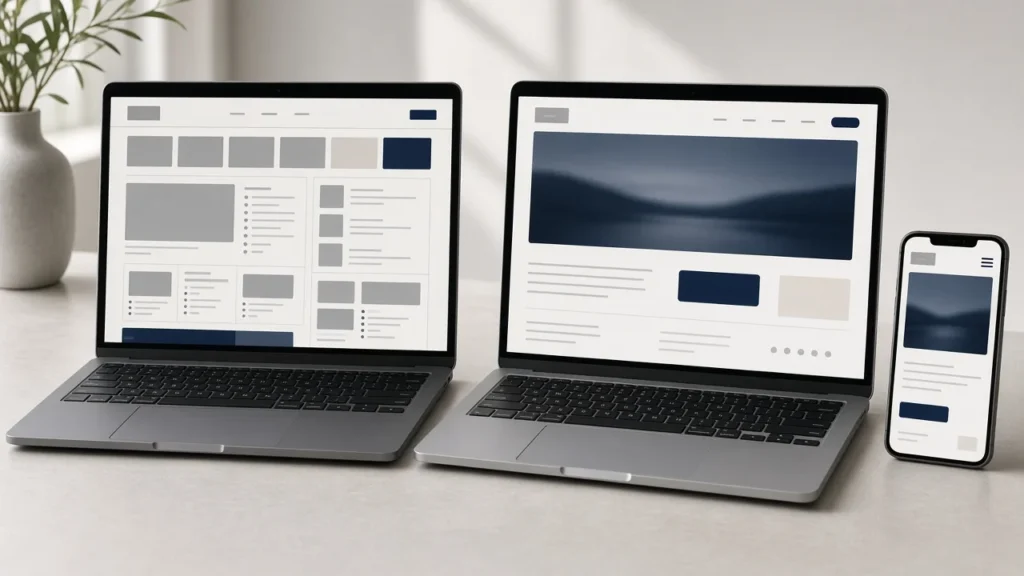
Design styles change. If your site uses old layouts, small text, stock photos everyone has seen before or clashing fonts, visitors may assume your business is behind the times too. First impressions are formed quickly, and a dated site makes it harder to win trust before anyone reads a word.
2. It isn’t easy to use on a phone
For most business websites, a large share of visitors arrive on a phone. Check your own analytics to see the split. If pages don’t resize neatly, buttons are hard to tap or text needs pinching to read, you are losing people before they get to your services. A responsive design that is built mobile-first fixes this properly, rather than squeezing a desktop layout onto a small screen.
3. It loads slowly
A slow site drives people away and makes it harder to perform well in search. Google’s Core Web Vitals measure loading, responsiveness and visual stability, and older themes and page builders often struggle with all three. Clean code, optimised images and reliable hosting all help. If speed is the only problem, it may be fixable without a redesign, so it’s worth running a website health check first.
4. It doesn’t bring in enquiries
Traffic without enquiries usually points to a design problem rather than a marketing one. Common causes are unclear calls to action, contact forms buried at the bottom of long pages, no phone number on mobile, and service pages that never say what you actually do or who it’s for. If visitors arrive but don’t get in touch, a redesign built around clear goals and simple next steps will usually do more than extra advertising. We cover the most common culprits in 5 common website mistakes that hurt small businesses.
5. Your content is out of date
If your services, prices or team have changed but your website still shows the old version of your business, it gives the wrong impression. Old case studies, discontinued services and out-of-date team photos all chip away at credibility. A redesign is a chance to rewrite your content around what you offer today.
6. It fails basic accessibility checks
An accessible website works for everyone, including people who use screen readers, keyboard navigation or larger text. Low colour contrast, images without alt text, forms without labels and menus that can’t be used with a keyboard are all common on older sites. The Web Content Accessibility Guidelines (WCAG) are the standard to design against, and if you sell to customers in the EU, the European Accessibility Act has applied to many products and services since June 2025. Accessibility is much easier to build in from the start than to bolt on later.
7. It runs on an unsupported theme, builder or PHP version
If your site depends on a theme that is no longer updated, an abandoned page builder or plugins that haven’t had a release in years, it becomes harder to keep secure. The same applies if it can’t run on a currently supported version of PHP; WordPress publishes its recommended server requirements and PHP lists which versions still get security support. When updating one part breaks another, rebuilding on a maintained foundation is often cheaper than patching it year after year.
8. Your brand has changed
A new logo, a new name, a merger or a shift in who you sell to all deserve a website that matches. Swapping the logo on an old design rarely works; the colours, photography, tone and page structure usually need to change with it.
9. It’s hard to edit
If small changes take too long or need a developer every time, your website isn’t working for you. Modern WordPress builds, like the ones we create at DevEdge, use reusable blocks and sensible page templates so you can update text, images and pages yourself.
Redesign vs refresh: which do you need?
Not every tired website needs rebuilding from scratch. A refresh keeps the existing structure and platform and improves what sits on top: new imagery, updated copy, a cleaner colour palette, better calls to action and performance fixes. It suits sites that are fundamentally sound but look a bit dated.
A redesign rethinks the structure, design and often the platform. It is the better choice when:
- the site is built on an unsupported theme, builder or old version of PHP
- the mobile experience is poor across the whole site, not just on a few pages
- your services or brand have changed enough that the page structure no longer fits
- enquiries are low and the user journey needs rethinking
- several of the signs above apply at once
If you’re unsure which you need, our website cost estimator gives you a quick idea of the budget for each option, and a website health check will show what can be fixed without a rebuild.
How to redesign without losing SEO
A redesign can undo years of search visibility if it’s handled carelessly. Most lost rankings come from changed URLs, deleted content and missing redirects rather than from the new design itself. Google’s guidance on site moves with URL changes is worth reading before you start. In practice:
- Keep your existing URLs wherever possible. If a page ranks well and still makes sense, keep its address.
- Build a 301 redirect map for every URL that changes. List every old URL and the closest matching new page, and set up permanent (301) redirects before launch.
- Don’t drop pages that bring in traffic. Check Google Search Console and analytics for your best-performing pages and make sure their content survives the rebuild.
- Carry over titles, meta descriptions and headings on key pages, then improve them rather than starting from a blank page.
- Keep the new site hidden until launch so the staging copy isn’t indexed alongside the live one.
- Check Google Search Console after launch. Submit the new sitemap, then watch the Pages and Performance reports for crawl errors, 404s and drops in impressions over the following weeks.
What a website redesign involves
Every project is different, but a typical redesign follows the same stages:
- Discovery: agreeing goals, audiences and what success looks like, and reviewing what works on the current site.
- Content and structure: planning the pages, navigation and URL map, and deciding what to keep, rewrite or remove.
- Design: creating layouts for key pages on desktop and mobile, with accessibility built in.
- Build: developing the site on a maintained platform, setting up redirects, forms, tracking and SEO basics.
- Testing: checking speed, forms, browsers, devices and accessibility on a staging site.
- Launch and aftercare: going live, monitoring Search Console and fixing anything that crops up.
You can read more about how we run projects in our approach, or see examples of our work for Alpha Pumping Solutions, Square Mile Services and School of Contemplative Life. After launch, regular care keeps the new site fast and secure; our guide to why your website needs regular maintenance explains what that involves.
Agencies: we also deliver redesigns white label, under your brand and NDA, so you keep the client relationship.
What to do next
Start by looking at your website with fresh eyes, or book a website health check for an independent view. Note what’s working, what isn’t and which of the nine signs apply. Then plan your redesign around clear goals, such as more enquiries, better visibility or stronger credibility.
At DevEdge, we build fast, secure and modern websites that help businesses grow with confidence. Get in touch to talk through your project.
Frequently asked questions
There is no fixed schedule. Rather than redesigning on a timer, review your site every year against the signs above. If several apply, or your platform is no longer supported, it’s time to plan a redesign.
It can if URLs change without redirects or important content is removed. Keep URLs where you can, set up 301 redirects for any that change, and monitor Google Search Console after launch.
It depends on the size of the site and how quickly content and feedback are ready. A small brochure site is much quicker than a large site or online shop. Your agency should give you a timeline after discovery.
Costs depend on the number of pages, features and integrations. Use our website cost estimator for a quick guide before you talk to us.
Refresh if the site is built on a sound, supported platform and mainly looks dated. Redesign if the structure, mobile experience or platform is holding you back, or your business has changed significantly.
